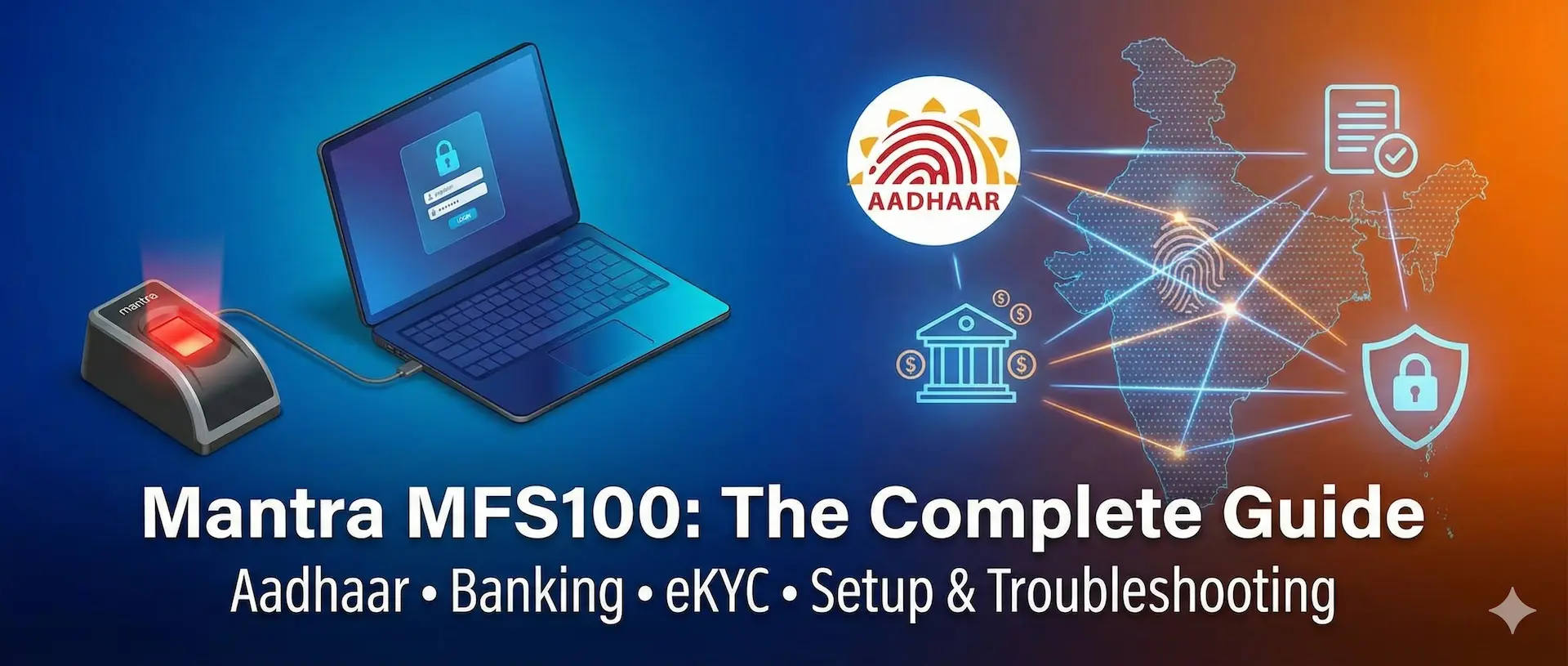

The mantra mfs100 fingerprint scanner is one of the most trusted biometric devices in India for Aadhaar, AEPS and eKYC services. Used widely by CSC operators and banks, it is known for reliability and compliance. This guide explains features, setup, errors, comparisons and buying tips in simple language.
Mantra MFS100 is a UIDAI and STQC certified USB fingerprint scanner used in India for Aadhaar authentication, AEPS banking, eKYC and attendance systems. It uses an optical fingerprint sensor, supports Windows and Android and is popular due to its affordability, accuracy and RD Service stability.
Key uses of Mantra MFS100:
- Aadhaar biometric authentication
- AEPS and Micro-ATM transactions
- CSC government services
- Office attendance and access control
What Is Mantra MFS100?
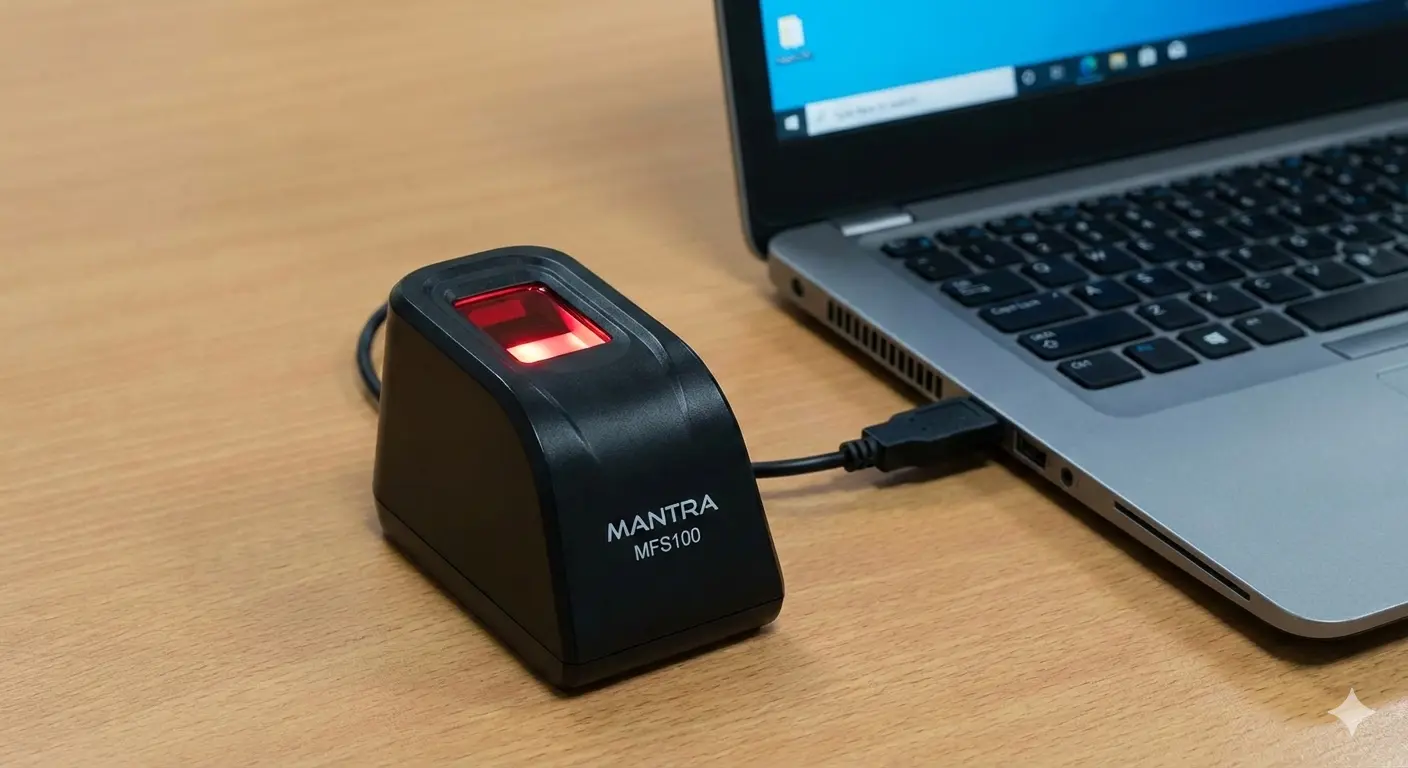
The mantra mfs100 fingerprint scanner is an optical biometric device designed to capture high-quality fingerprint images for identity verification.
It is manufactured by Mantra Softech, a leading Indian biometric solutions company. The device is officially approved for Aadhaar-based services, making it suitable for both government and private sector use.
Because of its ease of use and strong compliance, mantra mfs100 is commonly seen at CSC centers, banks, NBFCs and service kiosks across India.
Why Mantra MFS100 Is So Popular in India
The biggest reason behind the popularity of mantra mfs100 is trust. Aadhaar-based services require strict compliance and only a few devices meet UIDAI and STQC standards.
Another major factor is simplicity. Even users with basic computer knowledge can set it up and start using it quickly.
It also works reliably in Indian conditions, including dusty environments and high daily transaction volumes.
Key Features of Mantra MFS100
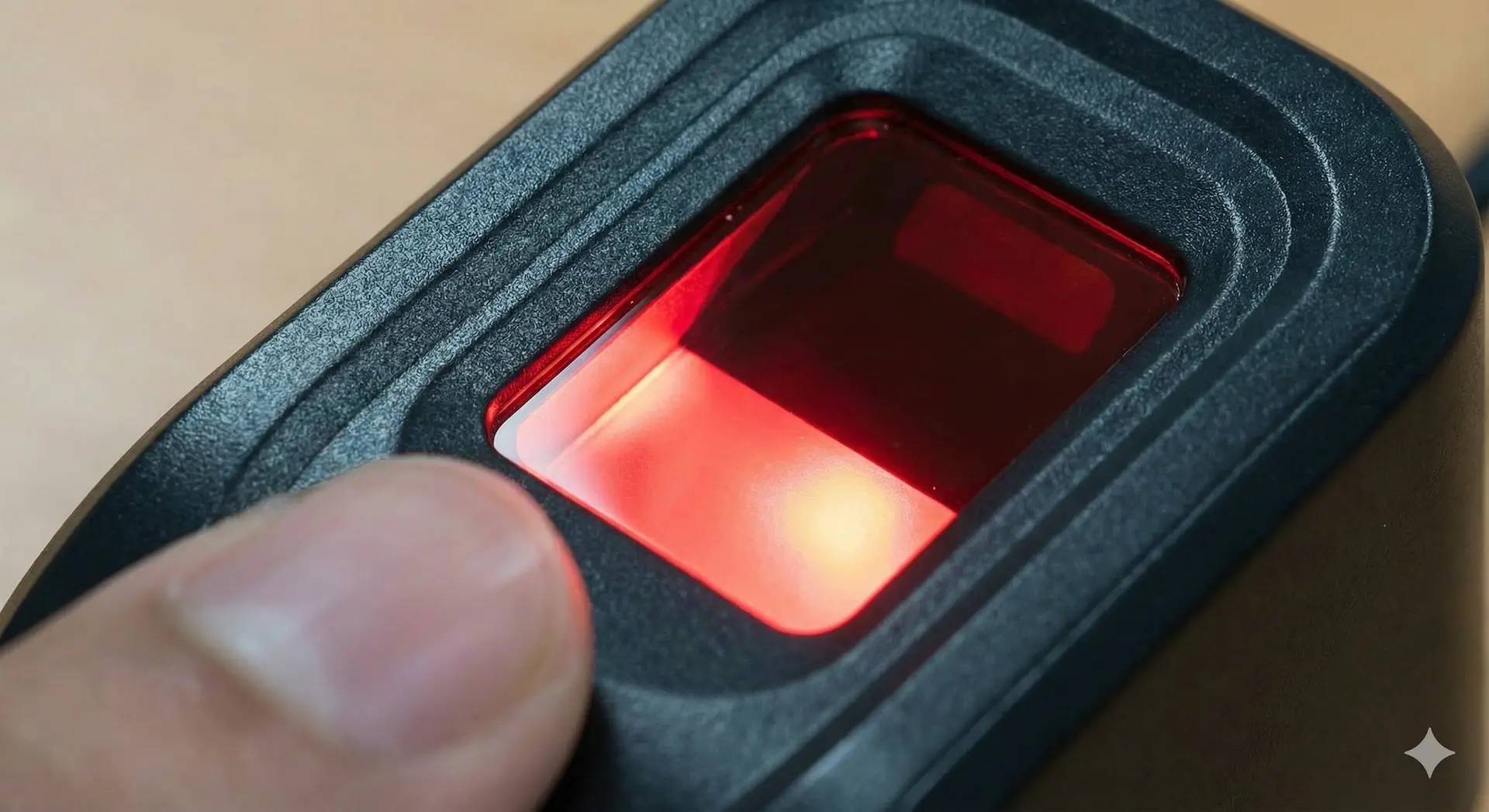
Advanced Optical Fingerprint Sensor
Mantra mfs100 uses optical sensing technology to capture fingerprint details clearly.
It performs well even with dry, rough or aged fingers, which is common in rural India.
UIDAI & STQC Certification
The mantra mfs100 fingerprint scanner is both UIDAI registered and STQC certified.
This certification allows legal use for Aadhaar authentication, eKYC and AEPS transactions.
Plug-and-Play USB Connectivity
The device connects through USB and does not require external power.
Drivers and RD Service installation are simple, making setup easy for non-technical users.
Fast Capture Speed
Fingerprint capture usually takes less than one second.
This speed is important for banking agents and CSC operators handling multiple users daily.
Mantra MFS100 Technical Specifications
Hardware Specifications
- Sensor Type: Optical fingerprint sensor
- Image Resolution: 500 DPI
- Interface: USB 2.0
- Capture Area: Approx. 16mm × 24mm
- Surface: Scratch-resistant glass
These specifications make the device suitable for continuous daily usage.
Software Compatibility
The mantra mfs100 supports:
- Windows 7, 8, 10, 11
- Android (via OTG on supported apps)
- UIDAI RD Service
It works smoothly with major government and banking portals.
Uses of Mantra MFS100 in India
Aadhaar Authentication & eKYC
The primary use of mantra mfs100 is Aadhaar-based biometric verification.
It is used for:
- Aadhaar eKYC
- PAN-Aadhaar linking
- SIM activation verification
AEPS & Micro-ATM Services
AEPS transactions depend on fingerprint authentication.
Banking correspondents use mantra mfs100 fingerprint scanner for:
- Cash withdrawal
- Balance enquiry
- Mini statements
CSC (Common Service Centre) Operations
CSC operators rely heavily on mantra mfs100 for government services.
This includes pensions, insurance enrollment and subsidy schemes.
Attendance & Access Control
Many offices use the device for biometric attendance systems.
It is also used in schools, hospitals and factories.
Mantra MFS100 Setup Guide (Step-by-Step)
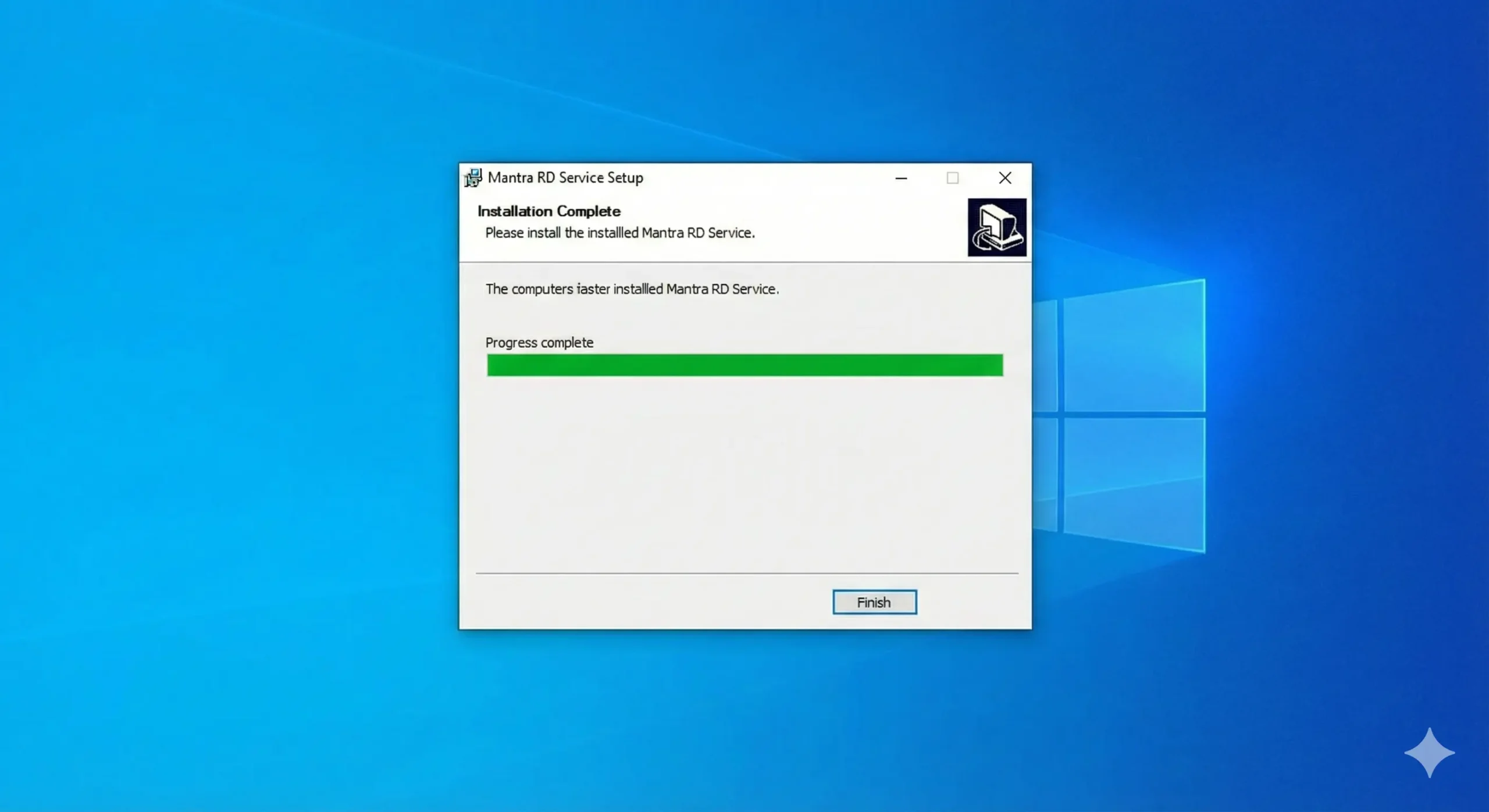
Step 1: Install RD Service
Download and install the latest RD Service from the official Mantra website.
RD Service is mandatory for Aadhaar authentication.
Step 2: Connect the Device
Plug the device directly into a USB port on your computer.
Avoid using USB hubs, as they often cause detection issues.
Step 3: Check Device Status
Open the RD Service status page in your browser.
Ensure the status shows “Ready” before starting any live transaction.
Common Mantra MFS100 Error Codes & Troubleshooting
Biometric errors are common during Aadhaar or AEPS transactions. Below are the most frequent mantra mfs100 errors with clear solutions.
Error Code 100 / 101 – Device Not Detected
Cause:
- RD Service not running
- USB driver issue
Solution:
- Restart RD Service
- Reinstall device drivers
- Change USB port
Error Code 720 – RD Service Not Ready
Cause:
- Outdated RD Service
- UIDAI compatibility issue
Solution:
- Uninstall old RD Service
- Install latest version
- Restart system
This is one of the most common mantra mfs100 rd service errors.
Error Code 730 – Device Not Registered
Cause:
- Registration failure
- Network issues
Solution:
- Re-register device in RD Service
- Ensure stable internet connection
Error Code 740 – Fingerprint Capture Failed
Cause:
- Dirty scanner
- Incorrect finger placement
Solution:
- Clean scanner surface
- Ask user to place finger flat and steady
Error Code 500 – Internal Error
Cause:
- Browser or system conflict
Solution:
- Use latest Google Chrome
- Clear cache and disable extensions
Tips to Reduce Errors
- Update RD Service regularly
- Avoid duplicate devices
- Use original Windows OS
- Test device before live use
Mantra MFS100 Price in India
The mantra mfs100 price in India usually ranges from ₹2,500 to ₹3,500.
Price may vary based on:
- Seller
- Warranty
- Location
Always buy from authorized sellers to avoid fake products.
Original vs Duplicate Mantra MFS100 – How to Identify
An original device includes:
- Valid serial number
- RD Service compatibility
- Clear optical glass
Duplicate devices often fail UIDAI authentication and show frequent errors.
Mantra MFS100 vs Morpho E3 – Detailed Comparison
Many buyers compare mantra mfs100 with Morpho E3 before purchase.
Fingerprint Accuracy
Mantra MFS100:
High accuracy for most users, especially in rural environments.
Morpho E3:
Slightly higher sensitivity for faint fingerprints.
Winner: Tie (Morpho slightly better in special cases)
RD Service Stability
Mantra MFS100:
Frequent updates, fewer downtime complaints.
Morpho E3:
Updates are slower and less frequent.
Winner: Mantra MFS100
Ease of Installation
Mantra MFS100:
Plug-and-play, very simple setup.
Morpho E3:
Setup is more complex.
Winner: Mantra MFS100
Price Comparison
- Mantra MFS100: ₹2,500–₹3,500
- Morpho E3: ₹5,500–₹7,000
Winner: Mantra MFS100 (value for money)
Overall Verdict
| Feature | Mantra MFS100 | Morpho E3 |
| Price | Affordable | High |
| Ease of Use | Very Easy | Moderate |
| RD Stability | Strong | Average |
| Accuracy | High | Very High |
| Best For | CSC & AEPS | Institutions |
Final Recommendation:
For most Indian users, mantra mfs100 is the smarter and safer choice.
Security & Compliance Standards
UIDAI mandates encryption of biometric data at the capture level.
The mantra mfs100 fingerprint scanner follows these guidelines and does not store fingerprint images locally.
UIDAI reports show Aadhaar authentication transactions have crossed 100 billion cumulative authentications, highlighting the importance of certified devices.
Who Should Buy Mantra MFS100?
The device is ideal for:
- CSC operators
- Banking correspondents
- Government service providers
- Offices needing biometric attendance
If Aadhaar compliance is required, mantra mfs100 is a reliable choice.
Future of Biometric Devices in India
India’s digital governance ecosystem continues to expand.
Certified biometric devices like mantra mfs100 will remain critical for identity verification, financial inclusion and public service delivery.
Conclusion
The mantra mfs100 fingerprint scanner stands out as one of India’s most reliable biometric devices. Its certifications, affordability, error stability and ease of use make it ideal for both professionals and institutions.
For more reliable guides, digital service explainers and practical tech content, explore Abmantra, a growing platform dedicated to clear, people-first information for Indian users.
FAQs About Mantra MFS100
What is Mantra MFS100 used for?
Mantra MFS100 is used for Aadhaar authentication, AEPS banking, eKYC verification, CSC services and attendance systems. Its UIDAI and STQC certification makes it legally valid for government and financial applications across India.
Is Mantra MFS100 UIDAI approved?
Yes, the mantra mfs100 fingerprint scanner is UIDAI approved and STQC certified. This approval allows it to be used for Aadhaar-based biometric authentication, AEPS transactions and eKYC services without compliance issues.
What is the price of Mantra MFS100 in India?
The Mantra MFS100 price in India generally ranges from ₹2,500 to ₹3,500. Prices depend on seller and warranty. Always purchase from authorized sellers to avoid duplicates or non-compliant devices.
Why does Mantra MFS100 show RD Service error 720?
Error 720 usually appears due to outdated RD Service or compatibility issues. Updating to the latest RD Service and restarting the system usually resolves this problem.
Is Mantra MFS100 better than Morpho E3?
For most CSC and AEPS users, mantra mfs100 is better due to lower cost, easier setup and more stable RD Service. Morpho E3 offers slightly higher accuracy but at a much higher price.

Bhawna Anand is a Delhi-based writer covering the full spectrum of Indian lifestyle — from fashion and food to travel, home, education and everyday wellness.
With a genuine curiosity about how people live, celebrate, dress and grow across India, Bhawna writes content that is grounded in real life rather than aspirational for its own sake. Her work is practical, warm and rooted in the Indian context — whether she is recommending the right saree for a winter wedding, the best study habits for UPSC aspirants, or weekend getaways from Delhi that do not require a large budget.
Her coverage areas:
- Fashion and style — Indian and contemporary fashion, seasonal outfit guides, occasion dressing, sarees, kids clothing and sustainable wardrobe building for Indian conditions
- Lifestyle — daily routines, mindful living, home organisation, seasonal living and wellness habits suited to the Indian climate and calendar
- Education — school and college selection guides for Indian parents, exam preparation tips for UPSC, JEE, NEET and board exams, study habits and career guidance for students
Travel and tourism — weekend getaways, family travel, hill stations, heritage destinations and budget travel across India - Foods and recipes — regional Indian recipes, festival food guides, quick meal ideas and kitchen tips for Indian home cooks
- Health tips — skincare and haircare for the Indian climate, nutrition, yoga, sleep and practical wellness for everyday life
- Gift ideas — occasion-based gift guides for Diwali, Rakhi, birthdays, weddings and festivals across India
- Home decor — Indian home aesthetics, Vastu-friendly decor ideas, festive decoration and budget home makeovers
- Quotes — motivational Hindi shayari, inspirational quotes and festival wishes for every occasion
Bhawna writes in Hindi and English and brings a no-fuss, reader-first approach to everything she covers. Her goal is content that actually helps a study plan a student can follow, a recipe a working mother can cook on a weekday, a gift idea that arrives on time and means something.